
Quick answer
The best method is to test every link: file, player, encoder, bitrate, audio, network and duration. StreamerPro helps diagnose and recover depending on configuration.
Up to 10 simultaneous streams depending on PC power, GPU, resolution, codec, bitrate and network stability. Not guaranteed on every configuration.
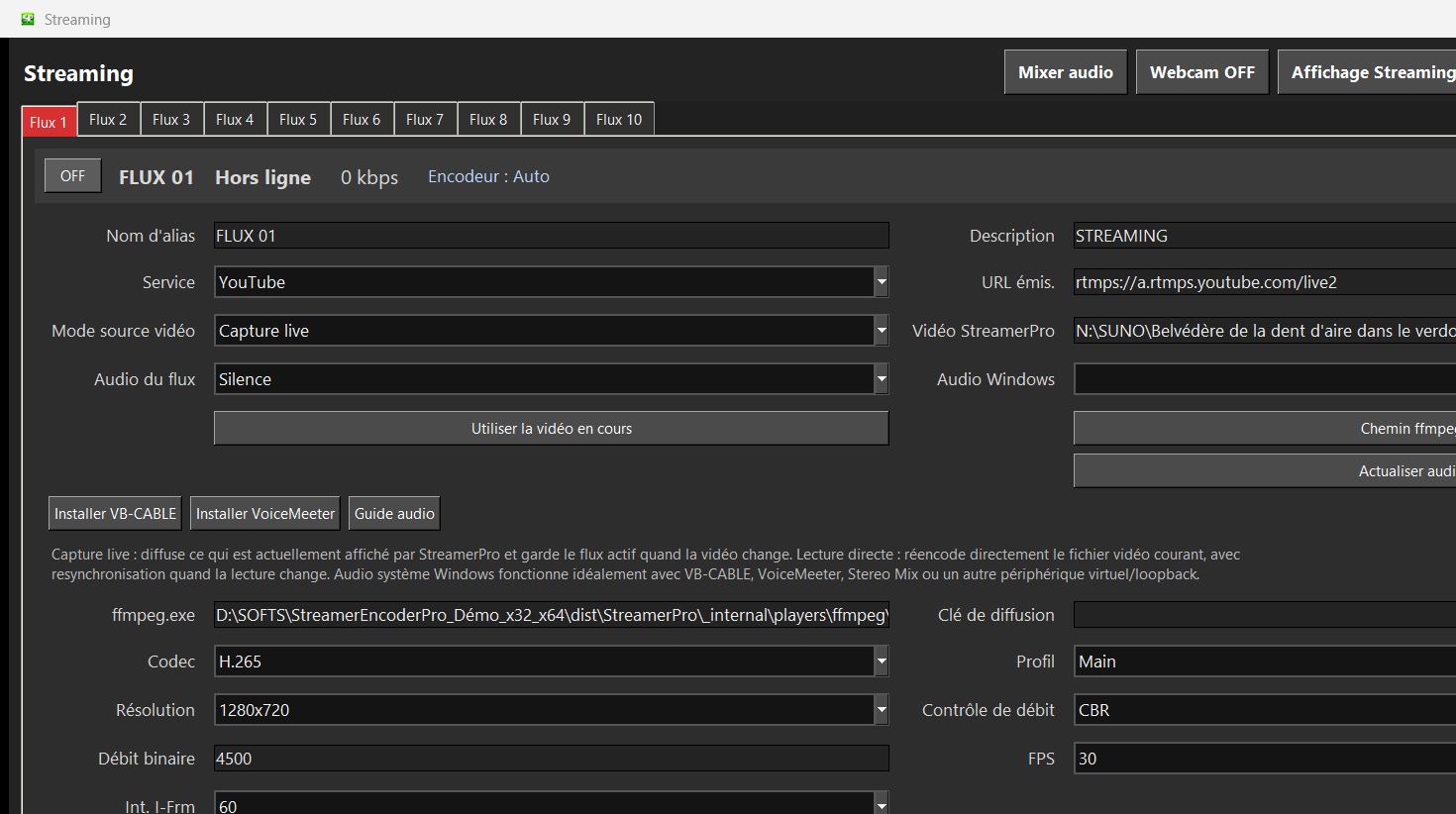
Recommended steps
- Test files locally before streaming.
- Use a fast local disk or stable NAS.
- Keep bitrate compatible with real upload speed.
- Monitor CPU, GPU, temperature and memory.
- Check that audio does not drop to zero.
What to check before going live
How StreamerPro helps
StreamerPro combines playback, diagnostics, watchdog, report export and FFmpeg profiles to reduce troubleshooting time.
StreamerPro 3.56.22 - StreamerPro_Setup_v3.56.22.exe
Frequently asked questions
Why does my YouTube live freeze?
Common causes are disk, file, GPU, bitrate, codec, audio or network.
Should I lower resolution?
If upload or GPU are limited, lowering resolution or bitrate can stabilize the live.
Does StreamerPro fix everything automatically?
No, but it helps monitor and diagnose incidents faster.
Test StreamerPro on your own setup
The free demo helps you verify your Windows PC, video files, audio sources, real upload speed and RTMP settings before purchase.