
Quick answer
StreamerPro plays a local or NAS playlist, loops the files, monitors playback and sends the output to YouTube Live through FFmpeg RTMP.
Up to 10 simultaneous streams depending on PC power, GPU, resolution, codec, bitrate and network stability. Not guaranteed on every configuration.
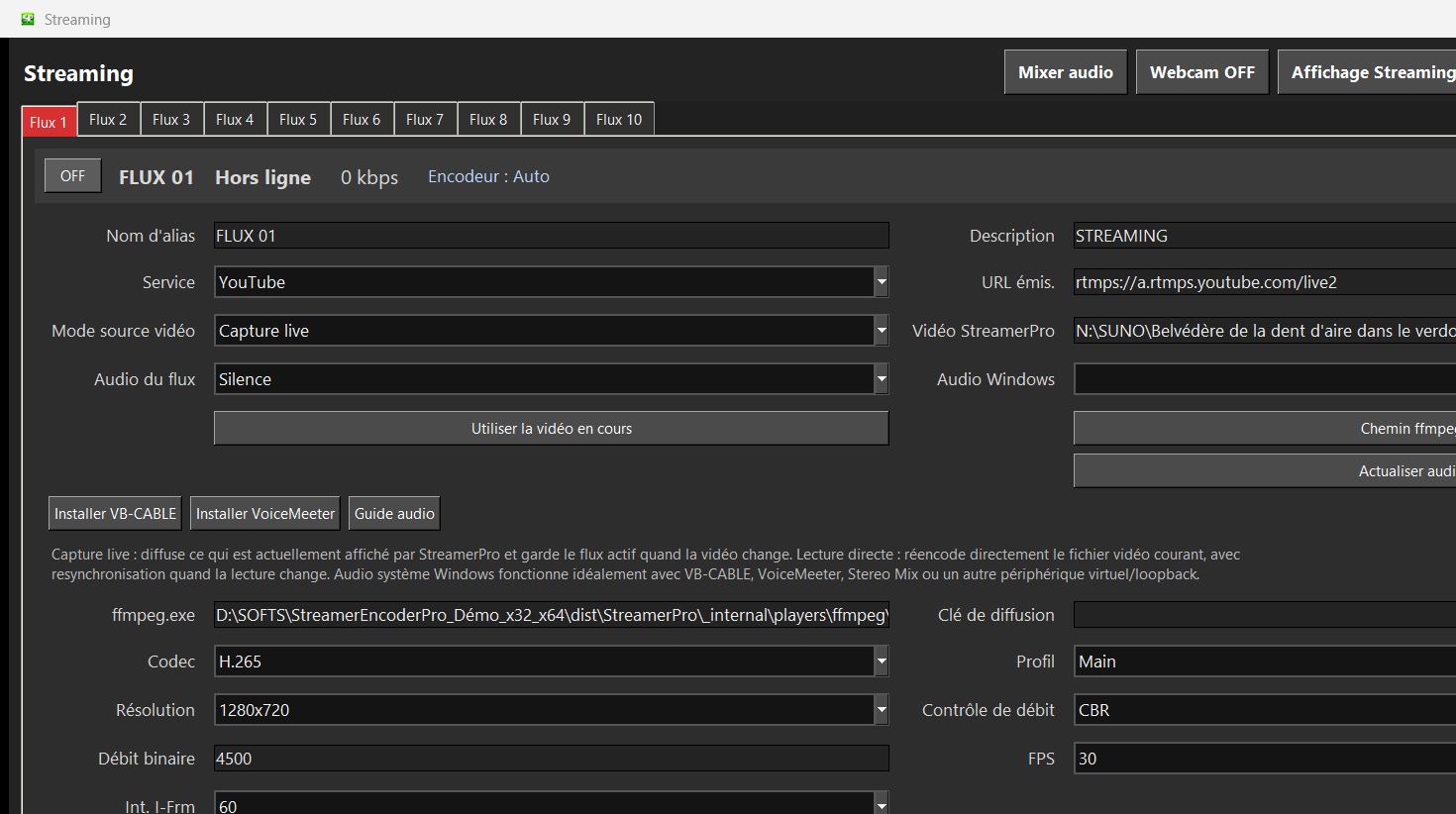
Recommended steps
- Clean source files and avoid corrupted videos.
- Place the playlist in a dedicated local folder or stable NAS path.
- Choose a YouTube-compatible RTMP profile.
- Run a multi-hour loop test before going public.
- Use diagnostics to understand any blocking point quickly.
What to check before going live
How StreamerPro helps
StreamerPro avoids jumping between VLC, OBS, FFmpeg scripts and manual restarts. The playlist remains the center of the workflow.
StreamerPro 3.56.22 - StreamerPro_Setup_v3.56.22.exe
Frequently asked questions
Can I use a NAS?
Yes, if the network path remains available and stable while streaming.
What if one video freezes?
Remove the suspicious file, test it locally and use StreamerPro diagnostics to verify playback.
Can I mix resolutions?
It is possible, but a homogeneous playlist makes encoding and stability easier.
Test StreamerPro on your own setup
The free demo helps you verify your Windows PC, video files, audio sources, real upload speed and RTMP settings before purchase.