
Quick answer
StreamerPro follows a local approach: use a standard PC, avoid a closed hardware box when it is not required and keep control over content.
Up to 10 simultaneous streams depending on PC power, GPU, resolution, codec, bitrate and network stability. Not guaranteed on every configuration.
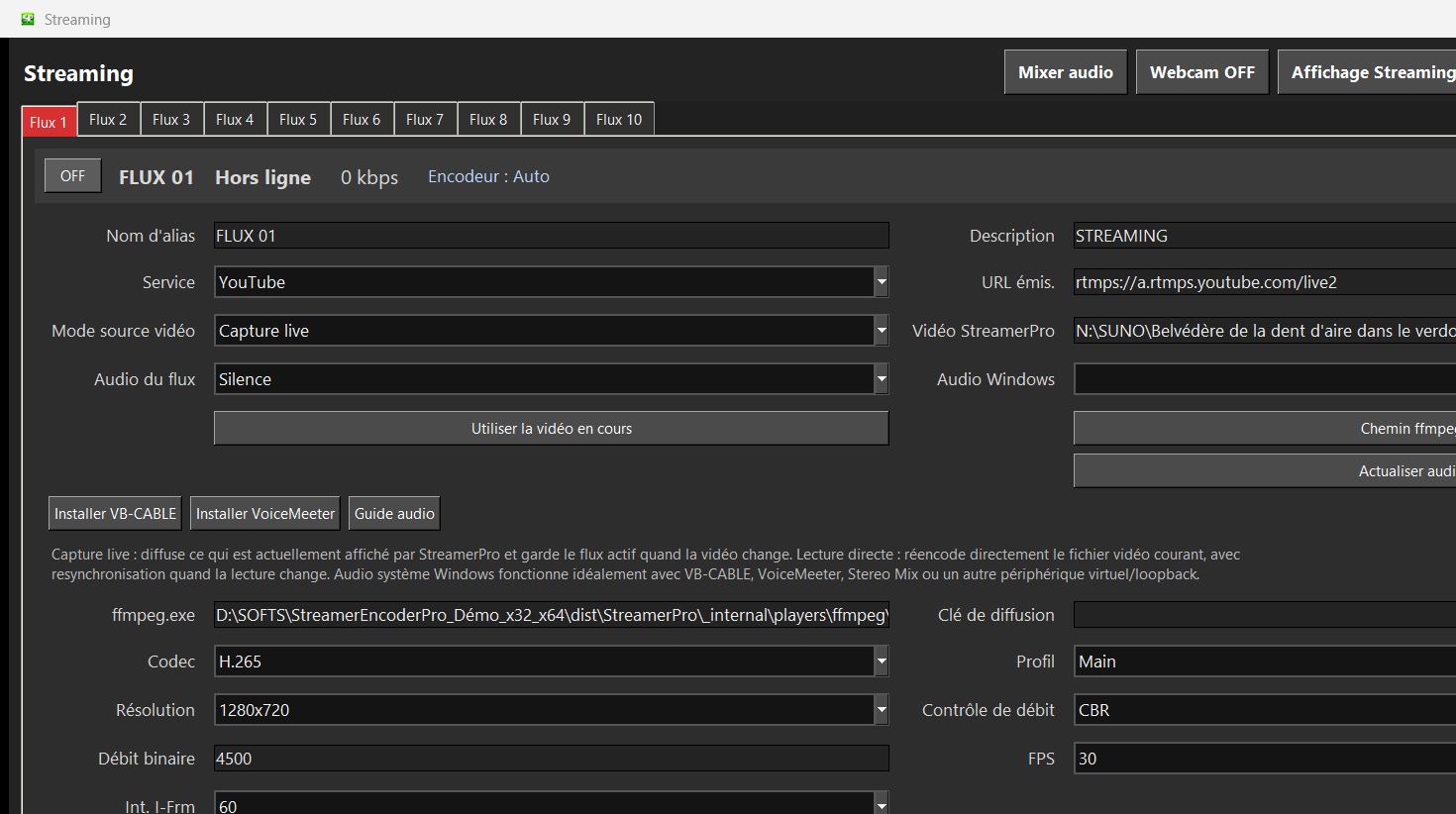
Recommended steps
- Prepare a video folder or playlist for the screen.
- Choose a screen-friendly resolution: 1080p, 1440p or 4K.
- Add logo, text, webcam or screen capture when needed.
- Disable sleep mode and test long-running playback.
What to check before going live
How StreamerPro helps
StreamerPro fits storefront screens, hotels, restaurants, showrooms, visual radio, reception areas, events or local playout with RTMP output.
StreamerPro 3.56.22 - StreamerPro_Setup_v3.56.22.exe
Frequently asked questions
Do I need a signage box?
Not always. For many local needs, a Windows PC with StreamerPro is more flexible.
Can it run 4K?
Yes depending on PC, GPU, display, source files and bitrate if streaming.
Can I use a NAS?
Yes if the network is stable and paths stay available.
Test StreamerPro on your own setup
The free demo helps you verify your Windows PC, video files, audio sources, real upload speed and RTMP settings before purchase.