
Quick answer
The principle is simple: files stay local, StreamerPro plays them in loop or playlist mode, then FFmpeg sends the live output to YouTube.
Up to 10 simultaneous streams depending on PC power, GPU, resolution, codec, bitrate and network stability. Not guaranteed on every configuration.
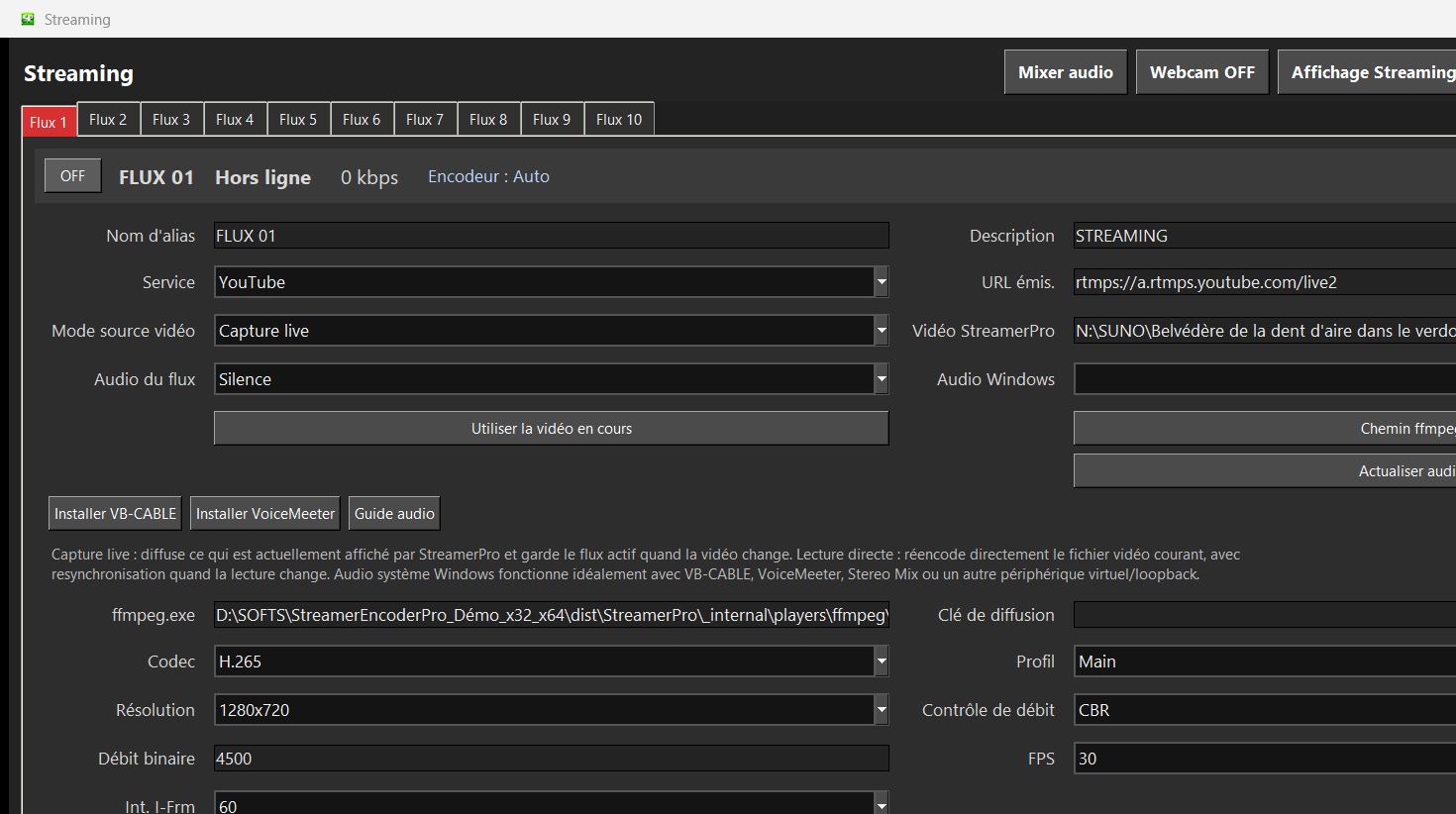
Recommended steps
- Prepare videos in a consistent resolution.
- Create a playlist or watched folder.
- Configure YouTube Live and RTMP stream key.
- Add logo, text or overlay if needed.
- Test output and audio before publishing.
What to check before going live
Rights to use the videos.
Consistent audio quality.
Enough upload speed.
Clean transition between files.
How StreamerPro helps
StreamerPro is designed to avoid fragile setups mixing a video player, OBS, FFmpeg scripts and manual restarts.
StreamerPro 3.56.22 - StreamerPro_Setup_v3.56.22.exe
Frequently asked questions
Is this allowed on YouTube?
Yes if you respect content rights and YouTube rules.
Can I add a logo?
Yes, StreamerPro handles logos, text and sources depending on configuration.
Can I rotate several files?
Yes, through a local playlist or video folder.
Test StreamerPro on your own setup
The free demo helps you verify your Windows PC, video files, audio sources, real upload speed and RTMP settings before purchase.