
What this page helps with
Common problem
Storefront screens and local displays need stable playback, quick content changes and local control without always buying a closed hardware player.
StreamerPro solution
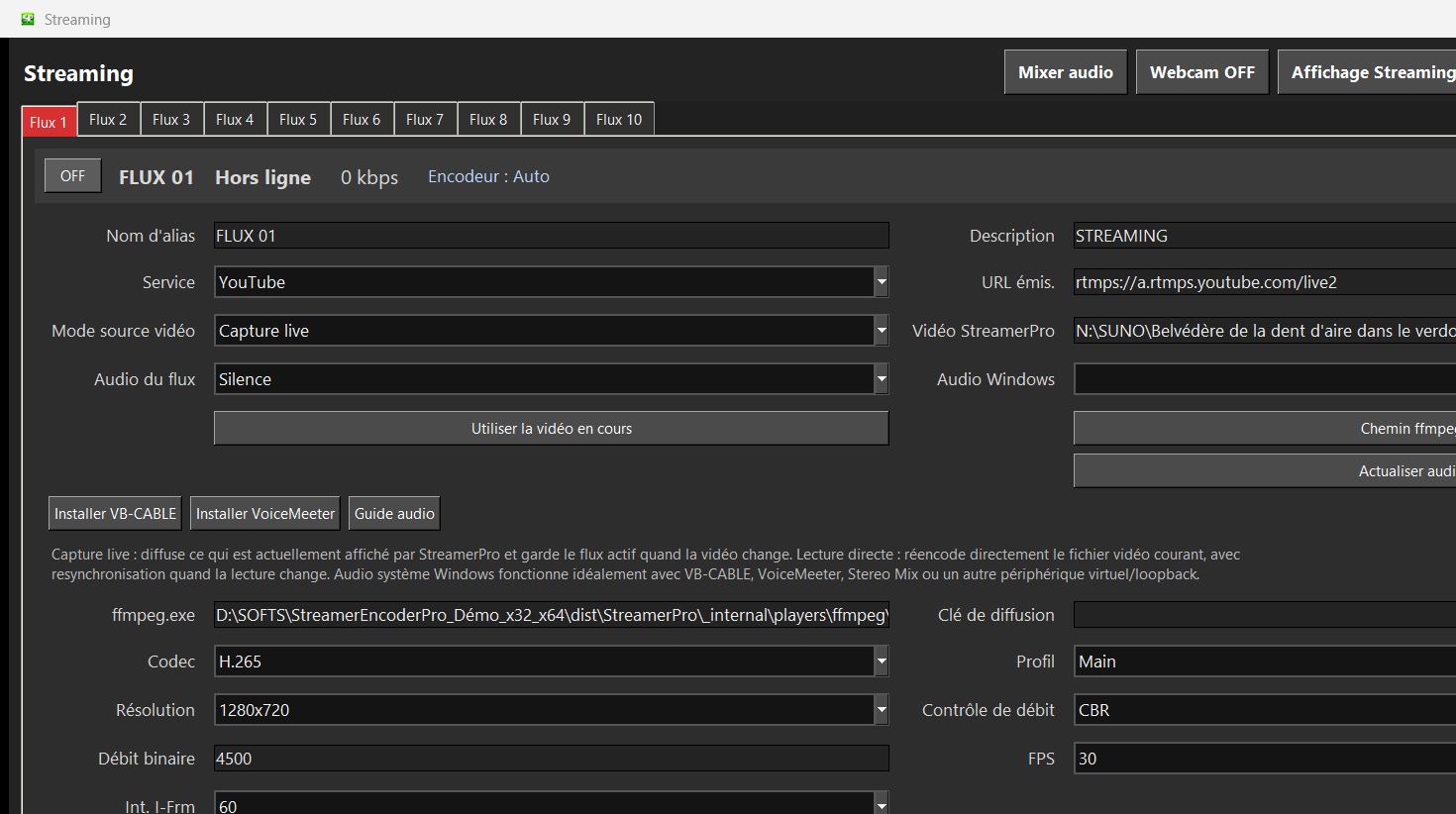
StreamerPro turns a Windows PC into a flexible 4K digital signage and video playout station with playlists, overlays and optional RTMP streaming.
Concrete use case
A showroom runs a 4K playlist from local storage, adds a logo, updates files from a folder and can switch to a live source when needed.
Quick questions
Is StreamerPro digital signage software?
Yes, it can be used as a local Windows signage player.
Is a proprietary box required?
No, the setup is based on a Windows PC.
Can it also stream?
Yes, RTMP streaming is available depending on configuration.
A local Windows approach to digital signage
Many signage systems depend on a dedicated player or cloud platform. StreamerPro offers a local approach: a Windows PC, your files, your display, your audio devices, your storage and your RTMP settings when needed.
This is useful for screens that need video playlists, brand loops, menus, reception visuals, showroom content, visual radio or a mix of signage and streaming functions.
Where it fits
Where a dedicated signage network may be better
StreamerPro is not necessarily the best option for an industrial network of hundreds or thousands of centrally managed screens with advanced permissions and mass deployment. In that case, a dedicated enterprise signage platform can remain more appropriate.
StreamerPro is strongest for flexible Windows stations, local screens, showrooms, creators, events and 24/7 video setups that need direct control.
Related English pages
FAQ
Can StreamerPro run a storefront screen?
Yes. It can play local video playlists and show overlays on a Windows PC connected to a display.
Is it a cloud signage platform?
No. StreamerPro is local Windows software, which can be simpler for standalone screens and local video setups.
Can it stream and display locally?
Yes, depending on the configuration, StreamerPro can combine local playback and RTMP streaming workflows.
StreamerPro Video Converter
StreamerPro Video Converter
Prepare videos before streaming with the built-in FFmpeg converter: H.265 to H.264, 4K UHD, CBR, AAC audio, progress tracking and FFmpeg log.