
What this page helps with
Common problem
OBS is excellent for manual live production, but a long-running 24/7 channel can become fragile when it relies on scenes, plugins and scripts.
StreamerPro solution
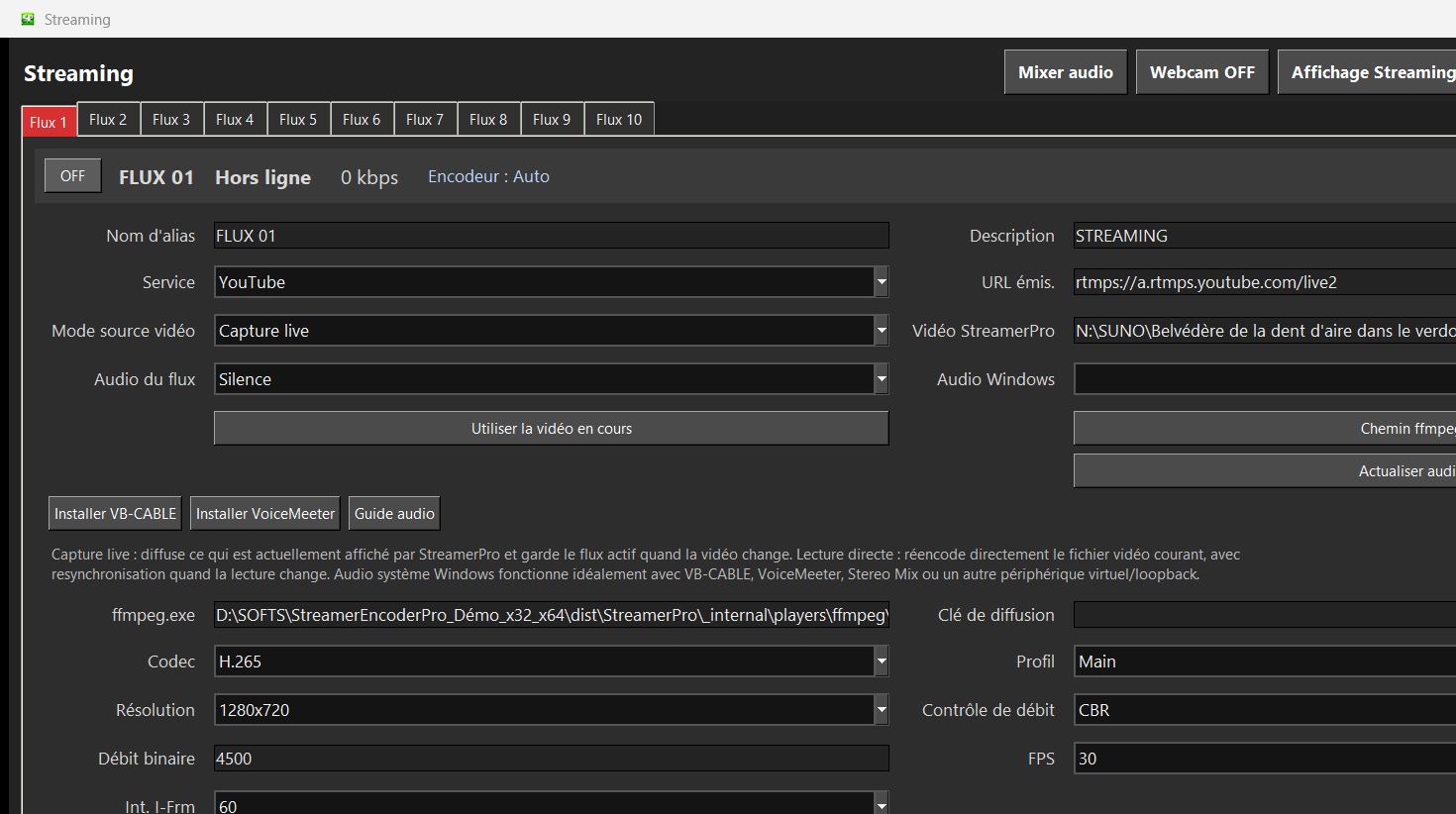
StreamerPro is built for automated playout and RTMP streaming with local files, playlists, FFmpeg, overlays and diagnostics in one workflow.
Concrete use case
A creator keeps OBS for manual shows and uses StreamerPro for the always-on channel that plays videos and streams continuously.
Quick questions
Is StreamerPro better than OBS?
It is different: OBS is a manual production studio, StreamerPro is focused on automated 24/7 playout.
Can both tools be used?
Yes, depending on the project.
Can I compare before buying?
Yes, use the free demo on your own PC.
Different tools for different workflows
OBS Studio is powerful for live scenes, guests, manual switching and creative broadcast production. StreamerPro focuses on the opposite problem: keeping a playlist-based video stream running for long periods with fewer manual operations.
This positioning is intentional. StreamerPro does not try to replace every creative live production workflow. It simplifies long streams, digital signage, video loops, local recording, RTMP output and 24/7 channels.
OBS vs StreamerPro
| Need | OBS Studio | StreamerPro |
|---|---|---|
| Manual live production | Excellent | Not the main focus |
| Playlist-based 24/7 channel | Possible but technical | Main workflow |
| FFmpeg profile operation | Advanced setup | Integrated controls |
| Local signage screen | Possible | Designed for local playback |
| Recovery and diagnostics | Plugins or scripts | Built into the workflow |
Related English pages
FAQ
Is StreamerPro better than OBS?
It is not the same category. OBS is excellent for manual production. StreamerPro is focused on automated long-running video playout.
Can I still use OBS?
Yes. OBS can remain useful for creative productions, while StreamerPro handles more automated 24/7 workflows.
Does StreamerPro use FFmpeg?
Yes. StreamerPro includes an FFmpeg-oriented workflow for RTMP streaming and recording.