
What this guide explains
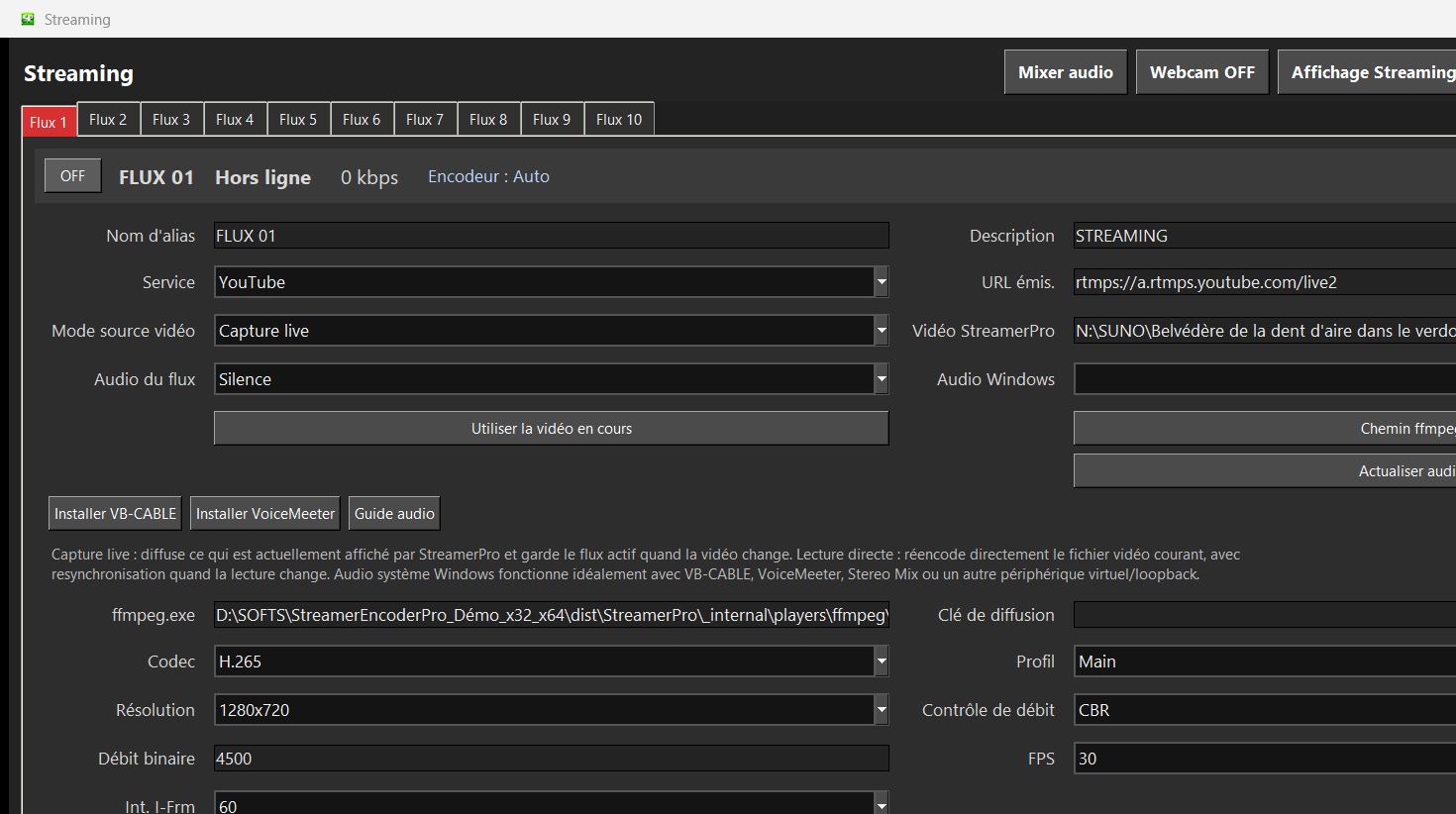
This page explains how StreamerPro can be used for this specific 24/7 video workflow on a Windows PC. The goal is practical: local files, RTMP streaming, FFmpeg encoding, overlays, audio routing, recording and long-running stability.
Clear positioning: 4K signage, 24/7 streaming, OBS alternative and RTMP. StreamerPro keeps the workflow local on a Windows PC while connecting playlist playback, FFmpeg, RTMP, overlays, audio and local recording.
Recommended use cases
- Windows 10 / 11 PC
- Local files, SSD or NAS
- RTMP streaming
- 4K playlists and overlays
StreamerPro approach
StreamerPro does not try to replace every creative live production tool. It focuses on continuous playout, playlists, digital signage, YouTube Live, local recording and simple recovery from a Windows interface.
The free demo lets you test your videos, GPU, audio routing, bitrate, network upload and 4K playback before purchasing a fixed-duration license with no automatic renewal.
FAQ
Can I test StreamerPro for free?
Yes. Download the free demo and test your PC, files, audio and streaming settings before buying.
Is it an automatic subscription?
No. StreamerPro licenses are fixed-duration payments without automatic renewal.
Does it support 4K?
Yes, depending on your PC, GPU, codec, bitrate and network stability.